

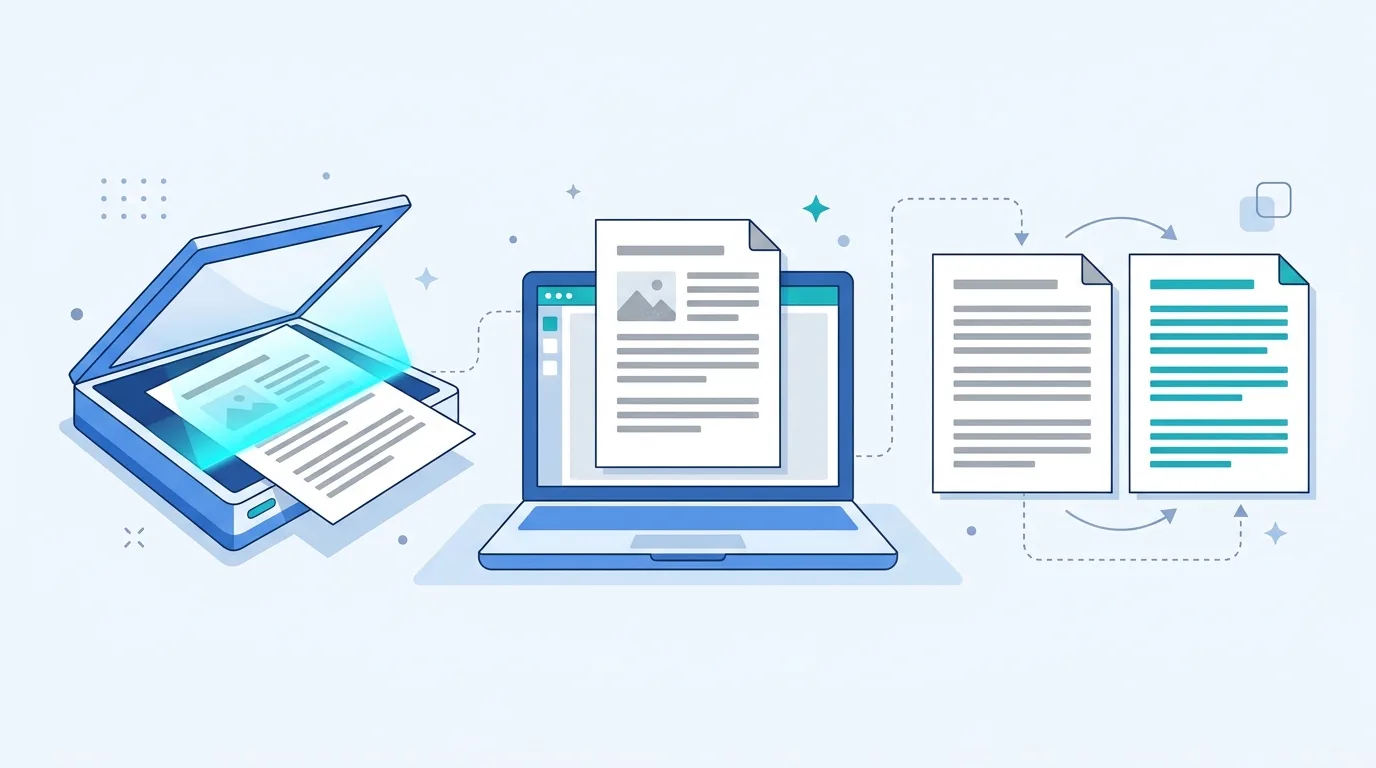
Finding the best PDF translation software for scanned documents starts with optical character recognition (OCR). Unlike digital PDFs, scanned files contain image-based text that must be recognized before translation. Scan quality and complex layouts can affect translation accuracy and formatting, which is why not every PDF translator can translate a scanned PDF well.
This comparison evaluates five scanned PDF translator options: Pairaphrase, Smartcat, DeepL, Wondershare PDFelement and Google Cloud Translation. We examine their OCR capabilities, formatting preservation, terminology management, security, review workflows and more to help you identify the best fit for your needs.
Quick answer: Pairaphrase is a strong choice for sensitive or recurring scanned-PDF translation requiring secure, governed collaboration. Smartcat suits document translation alongside continuous software and website localization. DeepL, Wondershare PDFelement and Google Cloud Translation serve direct translation, PDF editing and custom API workflows, respectively.
5 Best Scanned PDF Translation Software Options
1. Pairaphrase: Best for Secure, Governed Scanned-PDF Translation Workflows
Best for: Organizations in regulated or security-sensitive environments that regularly translate scanned PDFs and need integrated OCR, terminology control, controlled collaboration and human review.
Pairaphrase is secure, document-first AI translation management software and a Translation Management System (TMS). Its ABBYY OCR integration helps recognize image-based text in scanned PDFs for translation within Pairaphrase's governed document workflow.
Pairaphrase combines AI-assisted translation, secure file sharing, controlled reviewer permissions, comments and human review in a centralized workflow. Translation Memory, glossaries and automatic formatting preservation help teams maintain consistency across recurring multilingual documents.
Consideration: OCR accuracy depends on scan quality. Blurred text, handwriting and complicated layouts can introduce recognition errors, so organizations should review translated content and formatting before distribution. Pairaphrase is particularly well suited to teams that also need ongoing translation management, terminology control and collaborative review.
Learn more about Pairaphrase's PDF translation software.
2. Smartcat: Best for Scanned-PDF Translation Within Continuous Localization Workflows
Best for: Organizations translating scanned PDFs alongside ongoing website, software and multilingual content localization using AI-powered agents and connected workflows.
Smartcat is an AI-powered translation and localization platform that supports scanned-PDF translation through a dedicated PDF via Image Pipeline. This workflow processes scanned pages as images, recognizes text using OCR and translates the content while helping preserve the original page layout.
Beyond document translation, Smartcat supports continuous localization across websites, software and enterprise content. Its specialized AI agents help automate multilingual content updates, translation and quality assurance across connected systems. The platform also provides Translation Memory, glossaries and collaborative review.
Consideration: Smartcat's standard AI PDF translation workflow is designed for PDFs containing selectable text, not scanned images. Scanned documents require the appropriate image processing workflow, which involves additional project setup. Its alternative OCR-to-Word workflow can produce editable documents but may require manual formatting corrections, particularly for complex layouts.
3. DeepL: Best for Direct Scanned-PDF Translation
Best for: Individuals and teams seeking direct translation of scanned or digital PDFs without setting up a broader translation management workflow.
DeepL is an AI-powered translation platform that supports both digital and scanned PDFs through its document translation feature. Built-in OCR recognizes image-based text for translation, while formatting preservation helps maintain the original document layout.
DeepL also offers glossaries, Translation Memory and bulk file translation to support terminology consistency across documents. Editing and collaborative review workflows are available through eligible paid plans.
Consideration: Low-resolution scans, custom fonts and complex layouts can affect OCR accuracy and formatting. Advanced features, including Translation Memory and collaborative review, depend on subscription and workflow availability.
4. Wondershare PDFelement: Best for OCR, Translation and PDF Editing
Best for: Individuals and teams that need to recognize, translate and continue editing scanned PDFs within a single PDF-focused application.
Wondershare PDFelement is a PDF editing platform that combines OCR with AI-powered translation. Its integrated OCR tools convert scanned, image-based PDFs into searchable and editable text. Users can then translate recognized content through PDFelement's PDF Translator, which offers Fast and Professional translation modes, page-range selection and side-by-side viewing of original and translated documents.
Beyond translation, PDFelement includes document editing, annotation, conversion and batch-processing tools. This makes it particularly useful for workflows where users need to correct OCR errors, adjust formatting or continue working with the translated PDF rather than simply extract its text.
Consideration: Scanned documents require OCR before translation, and complex layouts or poor-quality scans may need manual correction. Wondershare's AI agreement also states that Translate PDF uploads documents to PDFelement Cloud, so organizations handling sensitive information should review its data-handling terms before use.
5. Google Cloud Translation: Best for Custom, API-Based Document Translation Workflows
Best for: Developers and technical teams that need to integrate scanned-PDF translation into existing applications, automated processes or custom document management systems.
Google Cloud Translation - Advanced provides a Document Translation API that supports both scanned and digitally created PDFs. It enables organizations to automate document translation, process files in batches and integrate translation capabilities into existing systems without relying on a standalone translation application.
The service also supports configurable glossaries for terminology consistency and custom translation models for specialized content. While Google Cloud provides document translation and infrastructure controls, organizations must build or integrate their own interfaces, review processes and approval workflows when needed.
Consideration: Google Cloud Translation is primarily an API-based service rather than a ready-to-use document translation management system. Implementing a complete workflow may require developer resources to build user interfaces, automate document handling and integrate human review processes. While this flexibility benefits technically equipped organizations, it may be less practical for teams seeking an accessible solution for translating and managing scanned PDFs.
Other Useful Tools for Preparing Scanned PDFs
Many scanned-PDF translation platforms include OCR capabilities, so a separate OCR application isn't always necessary. However, dedicated OCR tools such as ABBYY FineReader PDF or Adobe Acrobat can help recognize, correct or prepare difficult scanned documents before translation.
ABBYY FineReader PDF: Best for OCR and Text Extraction Before Translation
Best for: Teams that need to recognize and correct text in difficult scanned PDFs before sending the content through a separate translation tool.
Adobe Acrobat: Best for Preparing and Correcting Scanned PDFs
Best for: Teams that need to improve scan quality, recognize text and correct OCR errors before translation.
Scanned PDF Translation Software Comparison: Which Tool Fits Best?
The five platforms below take different approaches to scanned-PDF translation. Compare their OCR workflows, formatting capabilities, terminology and review features, and implementation requirements to determine which PDF translator with OCR best fits your needs.
| Software | Scanned PDF and OCR | Formatting and output | Terminology, review and collaboration | Best fit and considerations |
|---|---|---|---|---|
| Pairaphrase | Integrated ABBYY OCR in scanned document translation | Helps preserve supported layouts, tables and headings | Translation Memory, glossaries, role-based permissions, CAT editor, translation preview and human review | Secure, governed, collaborative translation of recurring or sensitive scanned documents, particularly for regulated teams |
| Smartcat | PDF Image Pipeline for scans; OCR-to-Word option | Image Pipeline supports layout retention | Translation Memory, glossaries, CAT editor and human review | Scanned-PDF translation within broader AI-agent-powered software, website and continuous content localization workflows |
| DeepL | Direct translation of scanned and digital PDFs | PDF formatting support | Glossaries; Translation Memory on eligible business/API plans | Direct scanned-PDF translation; advanced terminology and review features vary by plan |
| Wondershare PDFelement | OCR makes scans editable before AI PDF translation | PDF editing and correction tools | OCR text correction and side-by-side translated PDF view; Translation Memory not verified | PDF editing and translation; cloud processing requires data-security review |
| Google Cloud Translation | Document Translation API supports scanned PDFs | PDF translation with formatting support; 20-page online scan limit | Glossaries and custom models; human review built separately | Custom automated document translation; requires developer setup and separate review workflows |
Pairaphrase is particularly suited to secure, governed document translation requiring team collaboration, controlled access and human review.
Smartcat extends scanned-PDF translation into broader AI-agent-powered continuous localization workflows for software, websites and enterprise content.
DeepL emphasizes direct document translation, Wondershare PDFelement combines translation with PDF editing, and Google Cloud Translation supports custom API implementations.
How to Choose PDF Translation Software for Scanned Documents
The best PDF translator depends on the documents you're translating and how your team manages them. Before choosing a platform, test the complete workflow by having it translate scanned PDFs that represent your real files rather than relying on feature lists alone.
Consider the following when evaluating your options:
- Test your typical documents: Use scans that reflect your actual needs, including tables, multiple columns, low-resolution text or specialized terminology. Check whether OCR accurately recognizes names, numbers and other important details.
- Evaluate the translated output: Review translation accuracy, formatting preservation and whether the resulting document is usable without extensive manual correction. Confirm whether the software produces a translated PDF or extracted text that requires additional formatting.
- Consider ongoing workflow needs: Determine whether you need occasional document translation, recurring projects with terminology consistency and human review, or translation integrated into custom applications.
- Assess security and data handling: For sensitive documents, review access controls, cloud processing, data retention policies and available review or approval workflows.
The right solution should balance translation quality, document usability, security requirements and the effort needed to manage the process from upload to final review.
When Software Is Not Enough for a Scanned Document
OCR and machine translation work best on clean, typed scans. Handwritten notes, stamps, seals, faded copies and dense tables are where recognition errors appear, and a wrong digit in a date or an amount is easy to miss. If the output will be published or relied on, have a linguist check it through machine translation post-editing, and use desktop publishing when the translated file has to match the original layout.
Some scanned documents should not go through software alone at all. Birth certificates, diplomas, court papers and immigration files usually need a certified translation signed by a translator or agency, which no OCR translator can issue.
Which Option Should You Choose?
For occasional scanned-PDF translation, a direct document translator or PDF editing tool may be sufficient. Organizations managing ongoing multilingual documents should place greater emphasis on terminology consistency, collaboration and review, while teams building custom translation workflows may benefit from API-based solutions.
For organizations handling sensitive or recurring scanned PDFs, the Pairaphrase TMS is worth considering. Its ABBYY OCR integration, terminology management, role-based access controls (RBAC) and human review capabilities support a more structured approach to document translation.