

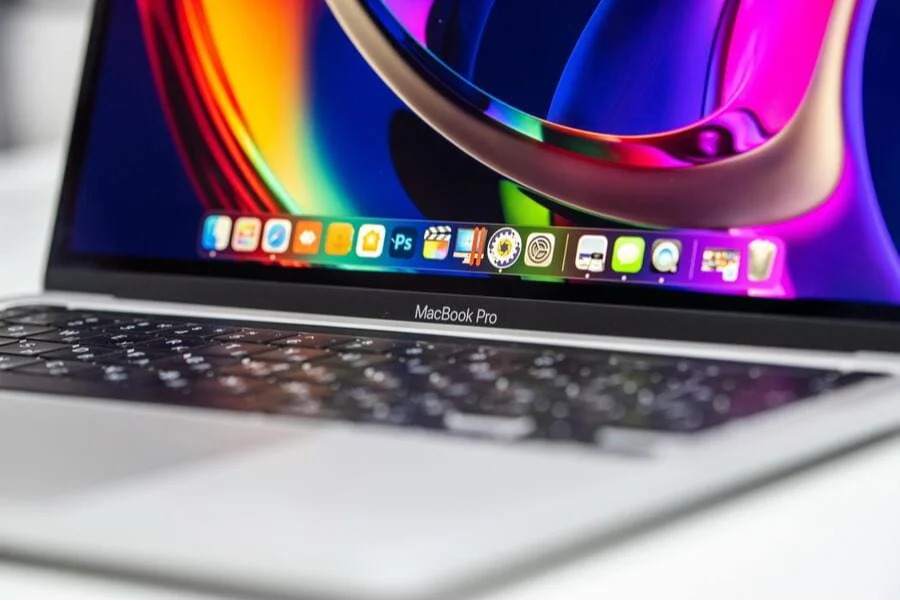
In a world where even the largest tech corporations once started with the simplest visual solutions, it's amusing to watch brands continue to stumble over the subtleties of visual language. After all, an app icon is the first "phrase" a product utters to the user. And if this phrase is too quiet or in the wrong tone, it creates that very linguistic barrier that philologists, not designers, usually discuss.
Symbols should speak to people in an understandable "language", because clarity is the only form of communication that works without translation. Even the most successful companies refine their visual identity for decades to maintain consistency, for example Microsoft logo.
What is a "linguistic barrier" in visual design?
In the case of icon designing, the linguistic barrier is less of a restricted vocabulary, but more of a different set of visual codes between the producer and the consumer. The screen itself is minute, the area of meaning only specky, and expectations of all people are dissimilar. According to the book "Designing with the Mind in Mind" it takes a period of about 0.25 seconds to identify a favorite symbol. Imagine: You only have less than a blink of an eye to tell me what this application is and why I should bother clicking on it.
Visual codes are the new grammar
Each culture "reads" symbols differently. A hand gesture icon might mean "hello" in the US, "thank you" in Japan, and nothing at all elsewhere. Therefore, symbols that seem universal actually require more linguistic caution than slang in international chat.
Why Designers Fall into the Simplicity Trap
Everyone knows an icon should be simple. But the problem is that everyone has their own definition of simplicity. Some simplify the form to the point of minimalism, others to the point of obscurity. You can draw perfect geometry, but the user will still ask, "What the hell is that?"
Information noise is growing
From 2010 to 2024, the number of apps on Google Play alone increased more than severalfold. This means the user is surrounded by hundreds of similar symbols. And if an app doesn't "speak" to them in a familiar visual language, it disappears like a quiet voice in a noisy airport.
How to overcome the barrier and create a clear icon
It's impossible to say there's a universal formula. But there are approaches that really work – not just on paper, but in real life.
1. Research your audience deeper than usual
Don't limit yourself to demographics. That's not enough. Ask: What terminology do they use? What symbols do they associate with an action? What gestures, colors, and shapes do they avoid?
Sometimes a single observation can change everything. For example, fintech app developers noticed that the "wallet" icon was poorly received by young users: for them, a wallet is an artifact of the past.
2. Consider cultural differences
There are a few symbols that are considered relatively universal: lupa = search, heart = like, lightning = fast. But even these have nuances. For example, in some countries, the heart is perceived as a symbol of romantic relationships, not choice.
Practical techniques that really help
The important thing here is not to simplify to the point of primitives, but to purify the meaning – like an editor purifies a text.
Use the “one symbol, one action” principle
An icon shouldn't tell a story. It should be like a road sign: short, precise, and without philosophy. If an icon has more than two meanings, the user already has a problem.
Test your perception at different sizes
On a smartphone screen, details disappear faster than expected. An MIT study showed that the brain recognizes images partially and reconstructs missing elements "from memory". This means that if the shape is too complex, the brain makes mistakes.
Little tricks of visual "linguistics"
Sometimes what's needed isn't global research, but small but effective professional tricks.
1. Generate variants in different "dialects"
Try three versions of the same icon:
- Obvious
- Associative
- Metaphorical
Show them to users and find out which "dialect" they prefer.
2. Convey the action, not the object
People are quicker to recognize actions. For example, the "photo" icon with a camera is fine, but the camera is outdated. TikTok once tested an icon that felt more like a process (recording) than an object (camera). And it worked better.
What to do if nothing works
Sometimes design hits a dead end and that's normal.
Switch to "observer mode"
Look at which icons you click without thinking. Which ones do you avoid? Why? Sometimes we see other people's mistakes better than our own.
Take a quick "3-second comprehension test"
Show the icon to someone who doesn't know about your project. Give them three seconds. Ask, "What is this?"
If at least 7 out of 10 people's answers match your idea, you've overcome the barrier.
Final thoughts
Creating an icon isn't about pixels. It's about communication. It's about understanding that people read visual symbols not from a dictionary, but from experience, memory, and context. And if a designer perceives an icon as a small interlude in the dialogue between a person and a digital tool, barriers disappear.
And sometimes it's enough to simply stop doing things the "usual way" and start viewing symbols as small but very important phrases.