

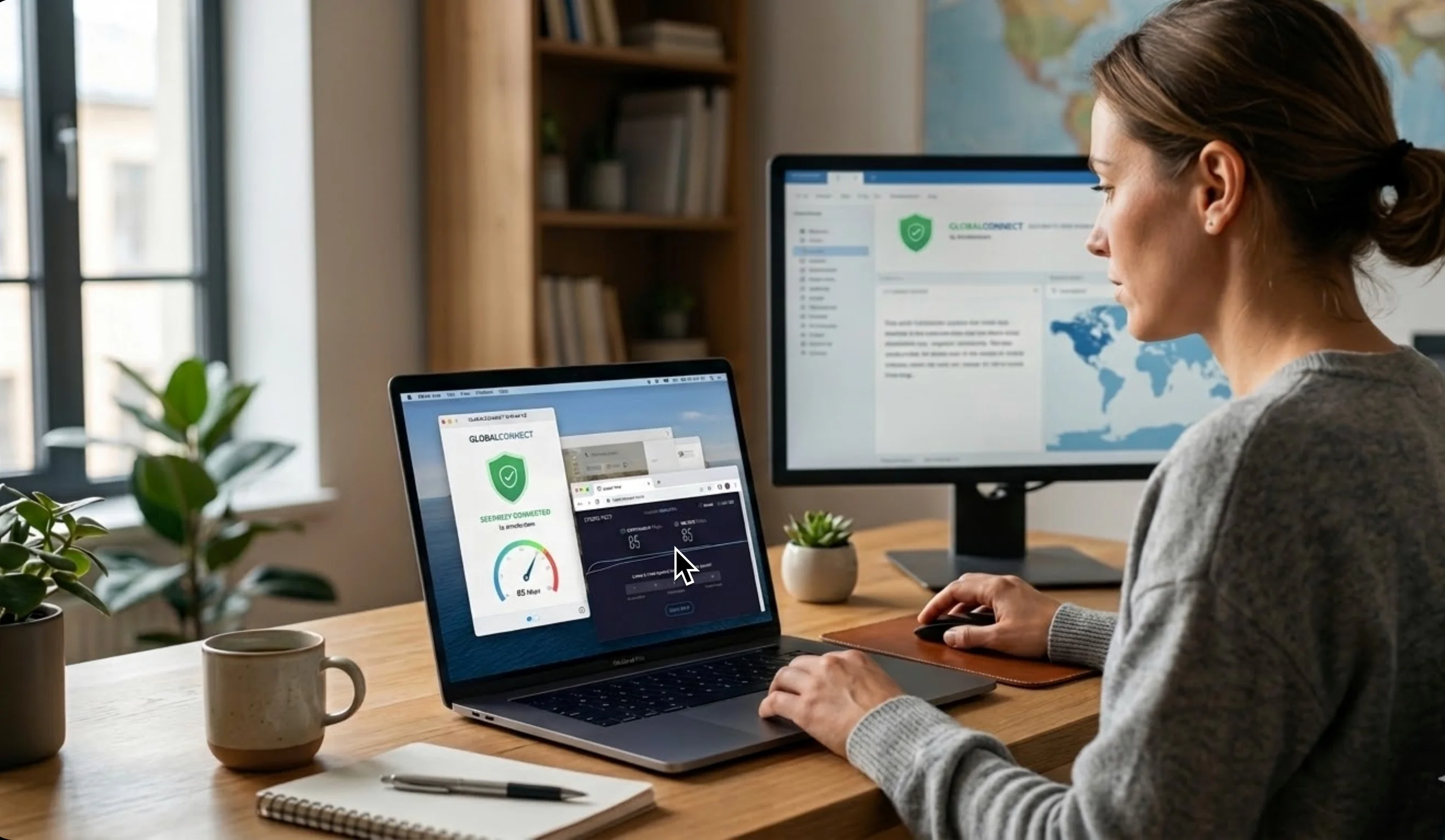
In our always-on world of international projects and remote translation services, having a Virtual Private Network isn't a luxury, it's your digital safety net. Think of it as a private, secure tunnel built just for your data. It encrypts every sensitive client document and masks your location, ensuring that your personal information stays locked away from anyone who shouldn't see it.
However, as more of us start relying on a VPN for work, a common misunderstanding pops up: people think it's a magic speed booster. Let's set the record straight: while a VPN for PC is absolutely vital for secure and unrestricted browsing, it can't magically turn a slow connection into a fast one. It's not about acceleration; it's about protection. In this article, we’re going to look under the hood and see exactly what makes your connection tick (or sometimes drag) when you're working through that secure tunnel.
What Really Affects Your VPN Speed?
If you've ever felt a slight hesitation when opening a large file or joining a video call while connected to your VPN, you're not imagining things. For translators and project managers who live and breathe real-time collaboration, understanding these factors is crucial for staying in flow:
- How Far Away is Your Server? This is simple geography. If you're a translator in Berlin and you choose a server in Los Angeles just to check a website, your data has to cross an ocean. That distance adds "travel time," or latency. Pro tip: Unless you absolutely need to pretend you're somewhere else, always pick the server closest to your actual physical location for the snappiest connection.
- The Muscle of Encryption A top-tier VPN uses heavy-duty encryption, and that’s a good thing! It's what keeps hackers out. But "scrambling" and "unscrambling" all that data takes a tiny bit of processing power, which can sometimes cause a barely noticeable delay. For those handling high-stakes legal or medical translations, this minor speed bump is a small, necessary cost for total peace of mind and data integrity.
- Server Traffic Jams Like a popular highway, VPN servers can get crowded. If a server is overloaded because too many people are using it (a common issue with free services), your speed will inevitably drop. If your work depends on uninterrupted flow, invest in a premium VPN. They’re much better at managing their digital traffic, ensuring your workflow doesn't grind to a halt.
- The Limits of Your Home Internet Here's the key takeaway: a VPN can never be faster than the internet speed your ISP (Internet Service Provider) gives you. If your basic connection is slow, the VPN can't magically improve it. While a VPN can sometimes help you bypass "ISP throttling" (where your provider intentionally slows down certain apps or traffic), your ISP ultimately sets your maximum speed.
A Simple Way to Check Your VPN Performance
If your connection feels sluggish during a deadline, here’s an easy two-step test to pinpoint the issue:
- Step 1: Disconnect your VPN. Go to a reliable speed test website and write down your download and upload speeds.
- Step 2: Connect your VPN to the server you usually use and run the speed test again.
By comparing the two sets of numbers, you'll immediately know if the slow-down is coming from your local internet connection or from the specific VPN server you've chosen.
The Takeaway
While your VPN might not technically give you a speed boost, and yes, it might add a tiny bit of latency, its value to global professionals is undeniable. For linguists, remote teams, and international companies, the VPN’s real job is simple: to be your impenetrable fortress for data exchange and your passport to bypass digital borders. Security and privacy are the non-negotiable must-haves; speed is just the dependable car that drives you safely to the finish line. translation services, a VPN has become an essential tool. It acts as a secure bridge, encrypting your data and masking your IP address to ensure that sensitive client documents and personal information remain shielded from cyber threats.
However, as VPN usage grows among international professionals, so do certain misconceptions. One of the most common myths is that these tools can actually increase your bandwidth. While a VPN is vital for a secure and unrestricted browsing experience, it is not designed to accelerate your raw internet speed. In this article, we explore the specific factors that influence your connection when working through a secure tunnel.
Factors Influencing Your Connection Speed
When using a VPN, you might notice a slight shift in performance. For translators and project managers who rely on real-time collaboration tools, understanding these factors is key to maintaining productivity:
- Physical Distance to the Server The geographical distance between your device and the VPN server is a primary factor. If you are a translator in Europe accessing a server in the US to preview localized content, the data packets must travel a significant distance, increasing latency. For the best performance, unless you specifically need to simulate a different geographic location, always choose a server closest to your physical "home office."
- The Impact of Robust Encryption Professional-grade encryption is the hallmark of a good VPN. However, the process of "scrambling" your data to keep it safe from hackers requires processing power. This high level of security can occasionally cause a minor lag. For those handling high-security legal or medical translations, this slight trade-off is a necessary price for total data integrity.
- Server Congestion Just like any digital infrastructure, VPN servers have limits. If too many users are connected to the same node simultaneously, speed will drop. Users often encounter this with free services that overcrowd their servers. For professional use, premium VPNs offer better load balancing, ensuring your workflow remains uninterrupted.
- Your ISP’s Base Performance It is important to remember that a VPN cannot exceed the speed provided by your Internet Service Provider (ISP). If your underlying connection is sluggish due to local infrastructure issues or throttling, the VPN cannot fix it. In some rare cases, a VPN can bypass "ISP throttling" if your provider is intentionally slowing down specific types of traffic, but generally, your ISP sets the speed ceiling.
How to Test Your VPN Performance
If you feel your connection is lagging while working on a global project, you can verify the impact of your VPN with these two steps:
- Step 1: Disconnect your VPN and run a standard speed test on a reliable site. Note your download and upload speeds.
- Step 2: Reconnect your VPN to your preferred server and run the test again.
Comparing these two results will clarify whether the bottleneck lies with your local internet connection or the specific VPN server you have selected.
Conclusion
While it does not technically boost internet speed, and often introduces a small amount of latency, its value for international professionals is indisputable. For linguists and global companies, the primary goal of a VPN is to provide a secure environment for data exchange and to bypass regional digital barriers. Security and privacy are the priorities; speed is simply the vehicle that helps you get the job done safely.